

Sales opportunities often slip through the cracks when your pipeline lacks structure and clear stages. For many service businesses across the United States, scattered leads and inconsistent follow-up lead to wasted effort and missed revenue. By mapping out your sales pipeline stages and organizing your lead data in one system, you set the foundation for more predictable growth and a smoother customer journey from first contact to final sale.
Step 1: Map Your Ideal Sales Stages
Mapping your sales pipeline stages is the strategic roadmap that transforms random leads into predictable revenue. Think of it as creating a GPS for your customer journey – one that guides potential clients smoothly from initial contact to final purchase.
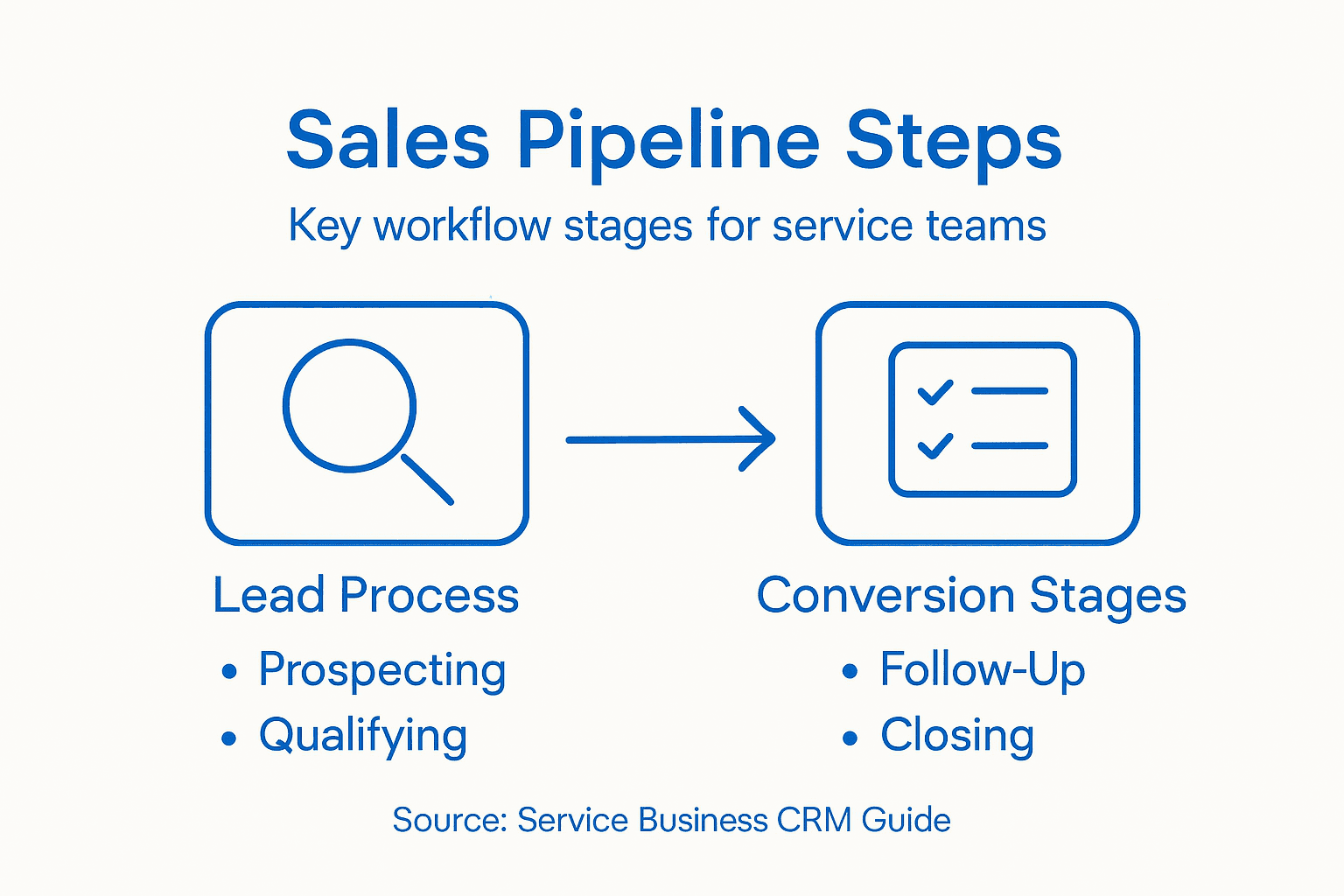
To craft an effective sales pipeline, you’ll want to design stages that reflect your unique service business workflow. Mapping service delivery stages helps visualize exactly how customers move through your sales process. Most service businesses typically include these core stages:
- Prospecting: Identifying potential customers
- Lead Qualification: Assessing customer fit and potential
- Initial Contact: First meaningful interaction
- Needs Assessment: Understanding customer requirements
- Proposal Development: Creating tailored service recommendations
- Negotiation: Discussing terms and pricing
- Closing: Finalizing the agreement
- Post-Sale Follow-up: Ensuring customer satisfaction
Each stage requires specific actions and tracking. For service businesses, the key is flexibility – your sales pipeline structure should adapt to your specific sales cycle and customer acquisition process.
Here’s how different sales pipeline stages contribute to overall customer conversion:
| Stage Name | Typical Outcome | Business Impact |
|---|---|---|
| Prospecting | Qualified leads generated | Expands sales opportunities |
| Lead Qualification | High-potential identified | Reduces wasted effort |
| Needs Assessment | Tailored solutions created | Boosts engagement and trust |
| Proposal Development | Customized offers sent | Increases conversion likelihood |
| Negotiation | Terms aligned | Drives deal progression |
| Closing | Deals finalized | Direct revenue growth |
| Post-Sale Follow-up | Retention improved | Enhances lifetime value |
Pro tip: Not every potential customer will move through all stages at the same pace. Design your pipeline to accommodate variations in customer engagement and decision-making speed.
Pro tip: Create visual pipeline tracking tools that allow quick assessment of where each potential customer sits in your sales process.
Step 2: Import and Organize Your Leads
Importing and organizing leads is the critical foundation that transforms scattered contact information into a powerful sales engine. This step will help you centralize your potential customers and prepare them for targeted, strategic engagement.

Begin met collecting lead data systematically across multiple channels. Most service businesses gather leads through websites, social media, networking events, referrals, and marketing campaigns. Your goal is to consolidate these contacts into a unified system that allows quick access and intelligent tracking.
Here’s a structured approach to lead organization:
- Centralize Data: Use a CRM or lead management platform
- Categorize Leads: Segment into cold, warm, and hot categories
- Capture Key Information: Collect name, contact details, source, and initial interest level
- Tag and Label: Create custom tags for easy filtering
- Set Priority Levels: Determine which leads require immediate attention
The key is creating a systematic lead generation approach that allows quick assessment and personalized follow-up. Digital tools can automate much of this process, helping you track and nurture leads efficiently.
Below is a comparison of manual versus automated lead management approaches:
| Management Method | Efficiency | Schaalbaarheid | Personalisatie |
|---|---|---|---|
| Manual | Time-consuming | Limited growth | High, but inconsistent |
| Automated | Streamlined | Easily expands | Consistent and fast |
Effective lead management transforms random contacts into a structured pathway for business growth.
Pro tip: Implement an automated lead scoring system that helps you instantly recognize which prospects are most likely to convert.
Step 3: Customize CRM Pipeline Settings
Customizing your CRM pipeline settings transforms a generic tool into a precision instrument for your service business. By tailoring the system to your unique workflow, you’ll create a more efficient and insightful sales process that accurately reflects how your team actually works.
CRM implementation requires strategic customization that goes beyond out-of-the-box configurations. Think of this as creating a digital blueprint that matches your specific sales journey. Your customization should focus on creating a system that provides maximum visibility and actionable insights.
Key areas to customize include:
- Define Sales Stages: Map your specific customer journey
- Set Performance Indicators: Create metrics that matter to your business
- Configure Automation: Set up task triggers and notifications
- Create Custom Fields: Add specific data points unique to your service
- Develop Lead Scoring: Prioritize prospects automatically
When setting up lead conversion processes, focus on creating a system that moves leads seamlessly through your pipeline. This means designing workflows that automatically route and prioritize potential customers based on their engagement and fit.
Your CRM should work for you, not the other way around. Customization is the key to turning a generic tool into a powerful business asset.
Pro tip: Schedule a quarterly review of your CRM settings to ensure they continue to align with your evolving business needs and sales strategies.
Step 4: Automate Follow-Up Actions
Automating follow-up actions transforms your sales pipeline from a manual tracking system into a proactive customer engagement machine. By implementing smart workflow triggers, you’ll ensure no potential customer slips through the cracks and every lead receives timely, personalized attention.
Workflow patterns help automate business processes with precision and consistency. Think of automation as your digital sales assistant that never sleeps, sending the right message at the right time without requiring constant manual intervention.
Key automation strategies include:
- E-mailreeksen: Create triggered email campaigns based on lead interactions
- Task Assignment: Automatically route leads to specific sales team members
- Reminder Notifications: Set up alerts for follow-up deadlines
- Lead Scoring Triggers: Automatically escalate high-potential prospects
- Communication Logging: Track all interactions automatically
When implementing workflow automation, focus on creating a seamless system that feels personal yet requires minimal manual effort. The goal is to maintain consistent communication without overwhelming your leads or your team.
Automation is not about replacing human connection, but about creating more meaningful opportunities for human interaction.
Pro tip: Test and refine your automation workflows monthly, ensuring they adapt to changing customer behaviors and business needs.
Step 5: Track and Review Pipeline Performance
Tracking and reviewing pipeline performance transforms raw data into actionable insights that can dramatically improve your sales strategy. By systematically monitoring your sales metrics, you’ll gain a clear understanding of what’s working and where opportunities for improvement exist.
Performance management frameworks help businesses select meaningful metrics that drive continuous improvement. Your goal is to create a comprehensive view of your sales pipeline that goes beyond simple numbers and reveals the deeper story behind your sales performance.
Key performance tracking strategies include:
- Conversion Rate Analysis: Measure lead-to-customer conversion percentages
- Sales Velocity Tracking: Calculate average time deals spend in each pipeline stage
- Revenue Forecasting: Project potential income based on current pipeline
- Win/Loss Ratio: Understand success rates across different lead segments
- Pipeline Health Indicators: Monitor overall pipeline volume and momentum
Gebruik makend van visualization dashboards for real-time monitoring enables quick identification of trends and potential bottlenecks. These tools transform complex data into easy-to-understand visual representations that support rapid decision-making.
Your sales pipeline is a living system. Regular tracking and analysis are the heartbeat that keeps it healthy and growing.
Pro tip: Schedule monthly pipeline performance reviews, comparing current metrics against historical data to identify emerging patterns and opportunities.
Unlock Your Service Business’s True Sales Potential Today
Struggling to turn scattered leads into a smooth, predictable sales pipeline is one of the biggest challenges for service businesses. This article highlights how mapping your sales stages, organizing your leads, and automating your follow-ups can transform your customer journey and boost conversions. If you want to simplify your lead management and pipeline tracking without juggling multiple costly tools, it’s time to explore smarter solutions.

Ontdek hoe Ga nu online combines an all-in-one CRM with powerful marketing automation software tailored for SMBs and service providers. With an easy-to-use platform designed to customize sales stages, automate follow-ups, and track pipeline performance, you can save time and convert more leads without the hassle. Ready to grow smarter with real human support and proven results? Start now and see your service business thrive. For more digital marketing insights, visit our Digitale marketingarchieven.
Veelgestelde vragen
What are the key stages of a sales pipeline for service businesses?
The key stages of a sales pipeline for service businesses include Prospecting, Lead Qualification, Initial Contact, Needs Assessment, Proposal Development, Negotiation, Closing, and Post-Sale Follow-up. To effectively manage your pipeline, define these stages clearly in your workflow to ensure all team members are aligned.
How can I import and organize leads in my sales pipeline?
To import and organize leads, centralize your data using a Customer Relationship Management (CRM) system, categorize leads into cold, warm, and hot segments, and capture key information like contact details and initial interest. Create a systematic process to regularly update and review your lead data for effective tracking.
What should I customize in my CRM pipeline settings?
You should customize your CRM pipeline settings by defining your specific sales stages, setting performance indicators that matter to your business, configuring automation for tasks and alerts, and creating custom fields for unique data points. Tailor your CRM to reflect your real sales process for better visibility and insights.
How can I automate follow-up actions in my sales pipeline?
Automate follow-up actions by establishing email sequences triggered by lead interactions, assigning tasks automatically to team members, and setting reminder notifications for follow-ups. This ensures timely communication with leads, reducing oversight and increasing your chances of conversion.
What metrics should I track to review my sales pipeline performance?
Key metrics to track include conversion rates, sales velocity, revenue forecasting, win/loss ratios, and overall pipeline health indicators. By evaluating these metrics monthly, you can identify trends and areas for improvement, enhancing your overall sales strategy.
Aanbevolen
- Lead Nurturing Process Guide for SMB Growth Success – Go Online Now
- 7 Steps for a Smart Lead Management Checklist 2025 – Go Online Now
- Lead Management Fundamentals: Complete Guide for SMBs – Go Online Now
- Small Business Automation Strategies for Faster Growth – Go Online Now
- Master Local Business Marketing Workflow for Lead Growth
- No-Code Instagram DM Funnel That Converts in 2025