

Managing leads often becomes overwhelming when your small business juggles multiple channels and manual processes. For American entrepreneurs and managers, finding an affordable and user-friendly CRM solution can be the turning point between missed opportunities and consistent growth. Starting with a comprehensive needs assessment ensures you build a CRM workflow tailored to your team, helping you track, prioritize, and respond to leads more effectively while freeing up valuable time and resources.
Step 1: Assess business and lead management needs
Setting up an effective CRM workflow begins with a comprehensive assessment of your business’s unique lead management requirements. This critical first step helps you design a system that transforms how you track, nurture, and convert potential customers.
To conduct a thorough needs assessment, start by examining your current lead generation and management processes. Comprehensive lead management workflows require understanding several key dimensions of your sales ecosystem. Map out your existing touchpoints by identifying:
- Current lead generation sources (website, social media, referrals)
- Sales team’s lead tracking and communication methods
- Existing tools and potential integration challenges
- Critical metrics you want to measure and improve
Engaging your team is crucial during this evaluation. Schedule meetings with sales representatives, marketing staff, and customer service professionals to gather insights about their specific workflow challenges. Ask targeted questions about:
- Daily communication bottlenecks
- Time spent on manual data entry
- Opportunities for process automation
- Customer interaction pain points
Effective CRM implementation starts with understanding your team’s real-world operational needs, not just theoretical improvements.
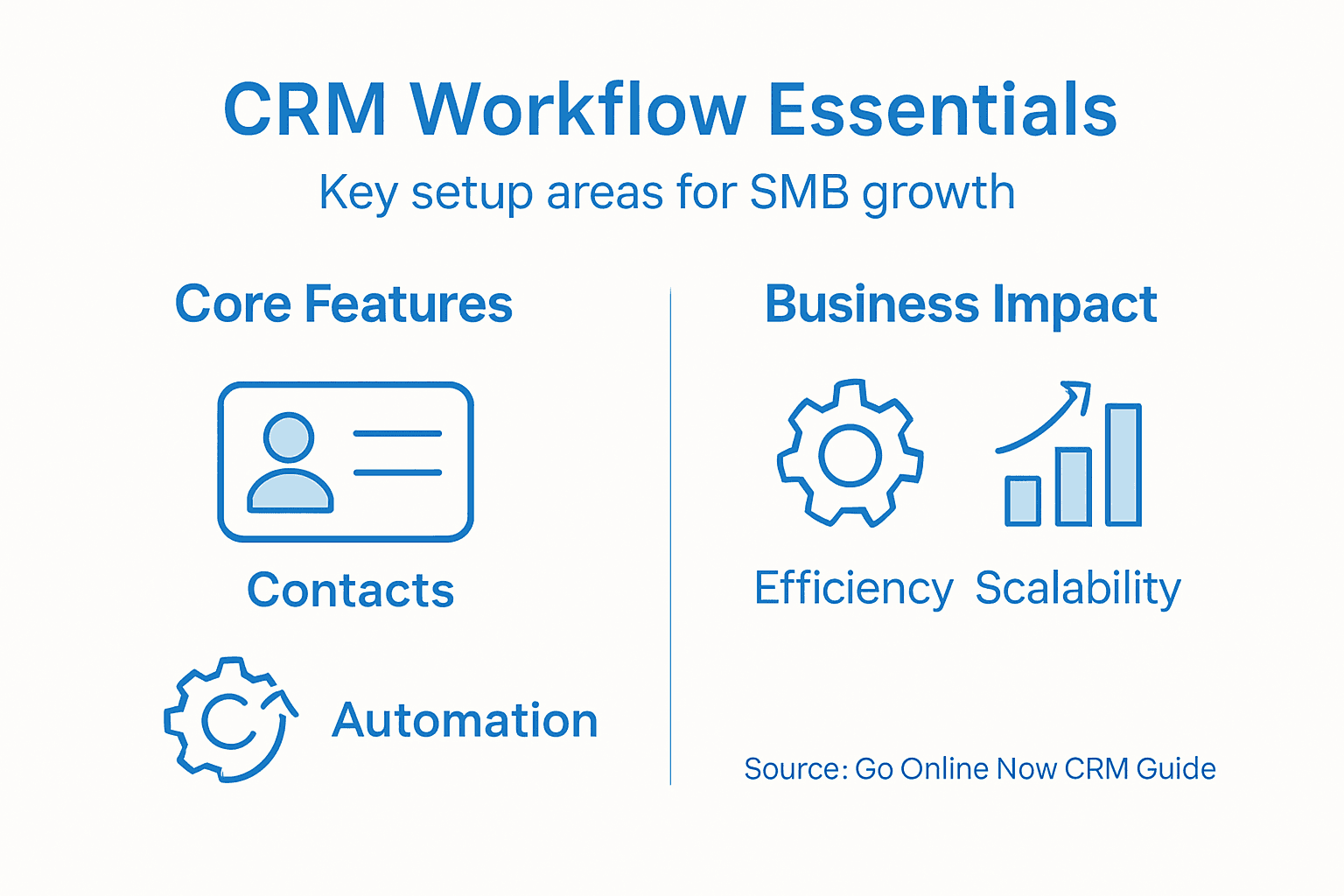
When categorizing CRM requirements, focus on three primary areas: contact management, sales automation, En marketing support. Each department will have unique perspectives that contribute to a holistic system design.
Here’s how different CRM workflow components support business goals:
| Onderdeel | Primaire functie | Business Impact |
|---|---|---|
| Contact Management | Centralizes client data | Improves communication speed |
| Sales Automation | Streamlines sales tasks | Boosts conversion efficiency |
| Marketing Support | Integrates marketing activities | Enhances campaign performance |
Pro tip: Document every workflow detail meticulously during your assessment, as these insights will become the blueprint for your future CRM strategy.
Step 2: Configure essential CRM workflow components
With your initial business assessment complete, it’s time to transform those insights into a robust CRM workflow that streamlines your sales process. Configuring CRM workflows requires strategic planning and precise implementation to create a system that truly supports your business goals.
Start by defining your core workflow components across three critical dimensions:
- Sales Pipeline Stages: Map out each step of your customer journey
- Lead Assignment Rules: Create clear protocols for routing leads to appropriate team members
- Data Collection Fields: Determine essential information needed at each interaction point
Your configuration should focus on establishing standardized processes that minimize manual work and maximize team efficiency. This means setting up:
- Automated lead scoring mechanisms
- Customized communication templates
- Workflow triggers for specific customer actions
- Reporting and tracking dashboards
Successful CRM configuration is about creating a system that adapts to your business, not forcing your business to adapt to the system.
Pay special attention to data security En user permissions. Implement role-based access controls that protect sensitive customer information while enabling smooth team collaboration. By designing flexible yet structured workflows, you’ll create a CRM that grows alongside your business.

Pro tip: Test each workflow configuration with a small team pilot before full deployment to identify and resolve potential friction points.
Step 3: Automate lead tracking and follow-up processes
Transforming your sales workflow means implementing smart automation that captures and nurtures leads without constant manual intervention. Lead tracking automation tools enable your business to capture opportunities systematically and respond with precision.
Design your automation strategy by establishing key workflows that streamline lead management:
- Capture Mechanisms: Set up automatic lead collection from websites, social media, and email interactions
- Lead Scoring: Create rules that rank leads based on engagement and potential value
- Communication Triggers: Build automated email and notification sequences
- Task Assignment: Automatically route leads to appropriate sales representatives
Your automation should focus on creating intelligent pathways that guide potential customers through your sales funnel. This requires configuring:
- Behavior-based trigger sequences
- Personalized communication templates
- Intelligent lead routing protocols
- Real-time status tracking and updates
Effective lead automation transforms your sales process from reactive to proactively strategic.
Pay special attention to personalization and timing. Automated follow-ups should feel natural, not robotic. Use segmentation and dynamic content to ensure each communication feels tailored and relevant to the specific lead’s interests and interaction history.
Pro tip: Regularly review and refine your automation rules to maintain a balance between efficiency and genuine human connection.
Step 4: Integrate marketing tools for seamless operation
Successful marketing integration requires creating a unified ecosystem where your tools communicate seamlessly and support your business goals. Marketing automation software enables small businesses to connect various platforms and streamline complex workflows with minimal manual intervention.
Focus on establishing connections between key marketing platforms:
- E-mailmarketingsystemen: Synchronize contact databases and campaign tracking
- Sociale mediaplatformen: Integrate engagement metrics and audience data
- Customer Relationship Management (CRM): Enable cross-platform lead tracking
- Analyse-hulpmiddelen: Consolidate reporting and performance insights
To create a truly integrated marketing infrastructure, consider the following strategic integration steps:
- Evaluate current tool compatibility
- Identify critical data transfer points
- Establish unified communication protocols
- Create comprehensive dashboard views
Effective tool integration transforms disconnected systems into a powerful, unified marketing engine.
Prioritize data consistency and ensure that information flows smoothly between platforms. Look for native integrations or middleware solutions that can bridge gaps between different marketing technologies. This approach minimizes manual data entry and reduces the potential for errors.
Pro tip: Select marketing tools with robust API capabilities and integration features to future-proof your technology stack.
Step 5: Verify and test CRM workflow effectiveness
Transforming your CRM implementation requires rigorous testing to ensure every automated process performs exactly as intended. Comprehensive workflow testing helps identify potential bottlenecks and performance issues before they impact your business operations.
Design a systematic testing approach with multiple verification stages:
- Functional Testing: Validate individual workflow components
- Integration Testing: Check communication between different systems
- Performance Testing: Measure response times and processing efficiency
- User Experience Testing: Ensure intuitive interface and smooth interactions
Execute your testing strategy through these critical steps:
- Create detailed test scenarios mimicking real business situations
- Develop comprehensive test cases covering all potential workflow paths
- Simulate complex lead management scenarios
- Document and track all test results meticulously
Effective testing transforms potential workflow weaknesses into opportunities for optimization.
Prioritize end-to-end scenario validation that reflects your actual sales processes. This means testing entire customer journey scenarios from initial contact through conversion, ensuring each automated step triggers correctly and delivers expected outcomes.
Below is a summary of CRM testing types and their unique benefits:
| Testing Type | Focusgebied | Voordeel |
|---|---|---|
| Functional | Individual workflows | Detects process errors |
| Integratie | System connectivity | Ensures seamless data flow |
| Performance | Speed and reliability | Identifies bottlenecks early |
| User Experience | Interface usability | Improves staff adoption rates |
Pro tip: Involve team members from different departments during testing to gain diverse perspectives and uncover potential workflow blind spots.
Streamline Your CRM Workflow for SMB Growth with Go Online Now
Setting up an effective CRM workflow can feel complex especially when you face challenges like scattered tools, manual lead tracking, and inefficient communication. This guide breaks down how to assess your needs, automate lead management, and integrate marketing tools—all vital steps to save time and boost conversions.
At Go Online Now we understand these pain points perfectly. Our all-in-one platform combines CRM, marketing automation software for small business, and lead management tools into one simple affordable system designed specifically for SMBs and SMEs. You no longer need to juggle expensive complicated software or struggle with disconnected workflows. With done-for-you setup and real human support Go Online Now-Connect gets your sales pipeline running smoothly fast.
Ready to turn your CRM setup into a growth engine Visit Digital Marketing Archives – Go Online Now to learn more and start saving up to 75 percent of your time. Discover how our unified approach can transform your lead nurturing follow-up and marketing automation today at https://goonlinenow.co
Veelgestelde vragen
What are the first steps to assess my SMB’s needs for a CRM workflow?
Start by examining your current lead generation and management processes. Identify your lead sources, how your team tracks leads, and existing tools to understand the unique requirements of your sales ecosystem.
How can I configure essential CRM workflow components effectively?
Define your core workflow components by mapping out sales pipeline stages, creating lead assignment rules, and determining essential data collection fields. Focus on minimizing manual tasks and maximizing team efficiency with standardized processes.
What are the main benefits of automating lead tracking and follow-up processes?
Automating lead tracking helps your SMB capture and nurture potential customers systematically, reducing the time spent on manual processes. Implement automation for lead scoring and communication triggers to improve response times and increase conversion rates by up to 25%.
How do I integrate marketing tools with my CRM for smooth operations?
Create a unified marketing ecosystem by connecting your email marketing systems, social media platforms, and analytics tools with your CRM. Ensure that data flows seamlessly between platforms to improve campaign performance and reduce manual data entry.
What testing methods should I use to verify my CRM workflow effectiveness?
Employ functional, integration, performance, and user experience testing to ensure your CRM workflows operate correctly. Create real-world test scenarios and track results to identify bottlenecks and make necessary adjustments before full deployment.
How can I ensure my CRM implementation remains adaptable as my business grows?
Focus on designing flexible yet structured workflows that can evolve with your SMB’s needs. Regularly review and refine your CRM configurations and automation rules to maintain effectiveness and address any changing requirements.
Aanbevolen
- How to Automate Marketing Workflows for Fast SMB Growth – Go Online Now
- CRM for SMBs Explained: Smarter Growth Without Stress – Go Online Now
- Master Email Marketing Workflow 2025 for SMB Growth – Go Online Now
- Marketing Automation Software: Smarter Growth for SMBs – Go Online Now
- Marketing Automation for Small Businesses – Where to Start – City Web Company | Digital Marketing Agency